
Level 2
January 24, 2026
Question

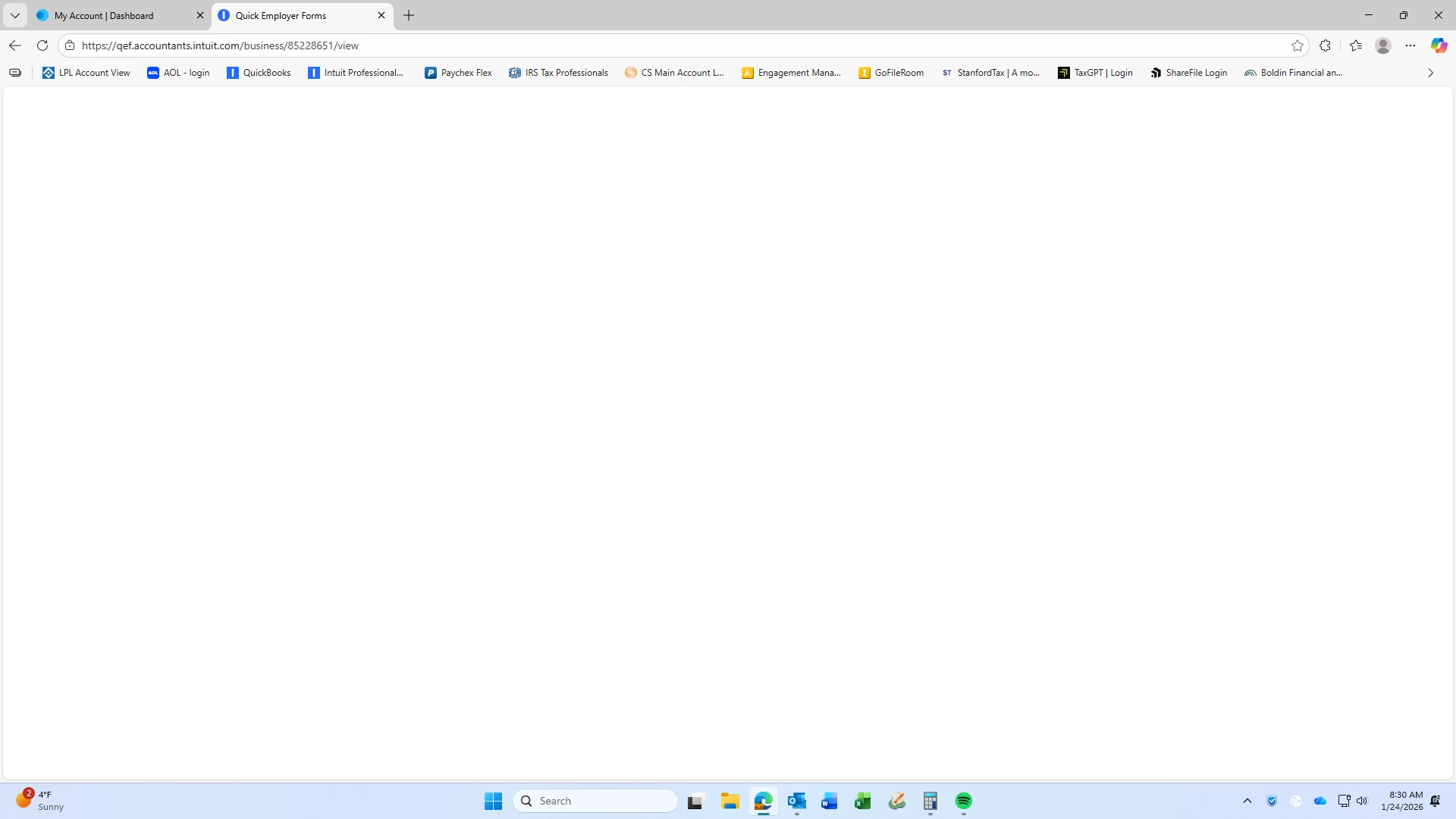
Quick Employer Forms - Blank Screen when trying to edit employer contact information
  • January 24, 2026
  • 1 reply
  • 6 views

Hello all -

I am trying to edit employer contact information in quick employer forms, as the employer has a new controller. When I edit and hit save, the screen goes blank and does not make the change.  I refresh and the information shows with the prior information.  Has anyone else encountered this and found a solution?  this started yesterday and is still happening this morning.  Thank you!

1 reply

Kathi_at_Intuit
Moderator
January 24, 2026

Hi @alaine1764 Thanks for posting in the Community about Quick Employer Forms having a blank screen when trying to edit employer contact information. We appreciate you taking the time to let us know about this. We have checked on this and see that it has been reported to Development for review.

**Click the 👍Thumbs up icon to say thanks on a post, and click Best Answer to mark the post that answered your question.**
Level 2
January 28, 2026

Thanks for the workaround provided, however it did not work.  I'm a CPA preparing 1099 for several clients.  It's the client business, not mine, that I need assistance with.  The workaround steps given are:

Workaround In Quick Employer Forms

  1. Navigate to the "Update Business" page, click on the "Contact Info" section, and populate all empty fields with temporary values. Save the changes.
  2. Re-edit the "Contact Info" section, remove the temporary values added in Step 1, and proceed to make the necessary updates to the business details.

When in my client's business, there's no "Update Business" page.  Please advise.


Thank you!

Kathi_at_Intuit
Moderator
January 29, 2026

Hi @alaine1764 Thanks for the update and letting us know that it does not work. Is this still happening today? A fixed was released yesterday and we would like to know if it fixed it for the client side. 

**Click the 👍Thumbs up icon to say thanks on a post, and click Best Answer to mark the post that answered your question.**


