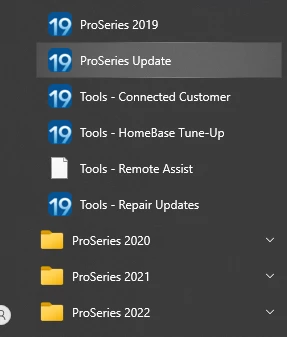
Login Screen does not come up for TY2019 and TY2018
I am attempting to validate versions/update if necessary per the Action Required email (to retain login access after 12/31/2023). I was able to verify/update 2022, 2021 and 2020. But, I am unable to open ProSeries for 2019 and 2018 tax years. It appears to load and try and reach the internet, the spinner is spinning, the login screen appears, and then it simply disappears. I can never even start typing my login credentials.
I saw a workaround in another thread (to Login while offline). This allows me to enter my login info; however, it cannot complete the login and requires that I go online. Once I go online it clears the login screen and acts as described above.
So, what are my options to update those tax years? Will 2019/2018 login be fixed to make this simple?