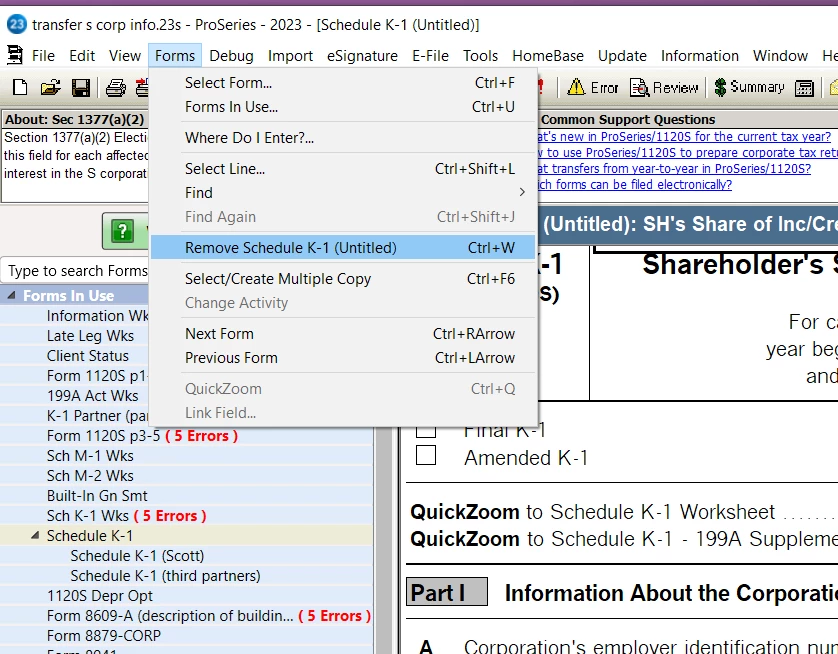
Investigating: K-1 Worksheet - remove a partner
This has been reported and is currently being researched for root cause.
Update to remove errors:
1. To remove the errors, instead of removing the entries on the Sch K-1 Wks, go to the forms menu, select Schedule K-1. The window that pops up will list "untitled" for all of the prior year K-1s. 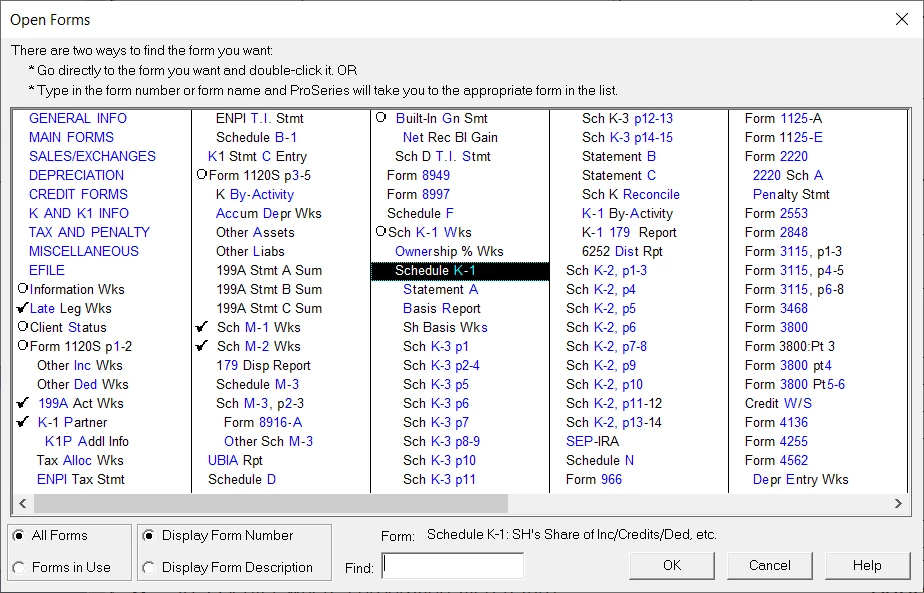
2. Open each "untitled" Schedule K-1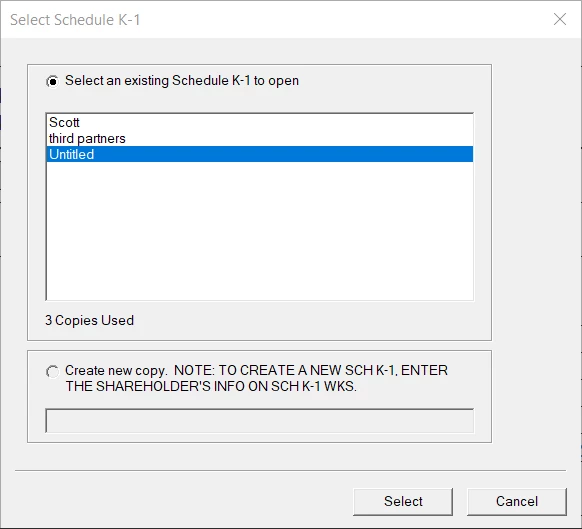
3. Select to remove that form. When all "untitled" Schedule K-1s are removed the errors requiring an entry on the Sch K-1 Wks will be gone, however, there may still be an error for the percentage of ownership not totaling 100%".