
Solved
Net Short-term Capital Gain (Loss)
How to adjust 2022 baseline for "Net Short-term Capital gain (Loss)" It's supposed to show the total of the 3 lines above, I tried to zero out all lines and checked all other entries in the return too
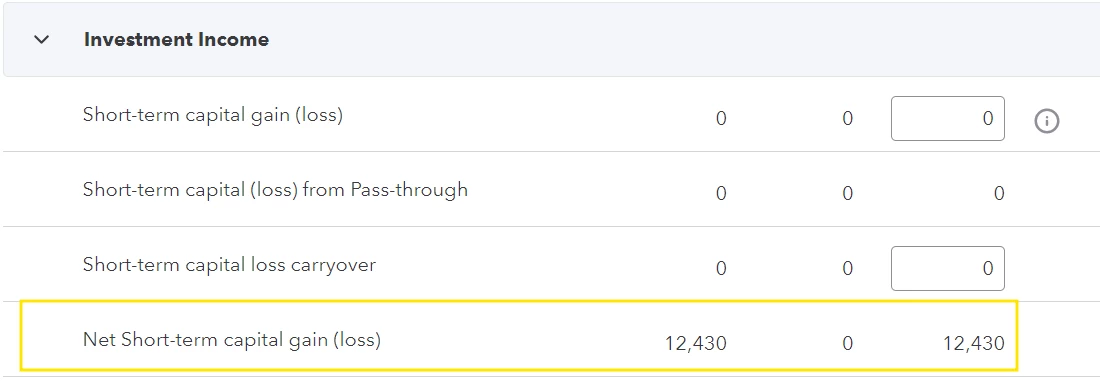
How to adjust 2022 baseline for "Net Short-term Capital gain (Loss)" It's supposed to show the total of the 3 lines above, I tried to zero out all lines and checked all other entries in the return too
Welcome to the wonderful of zero really being nothing. If you want a zero use -1 (negative one). This is a somewhat weird attribute of Lacerte and ProConnect Tax to distinguish a blank from what you truly want to be a zero.
Enter your E-mail address. We'll send you an e-mail with instructions to reset your password.





