Question
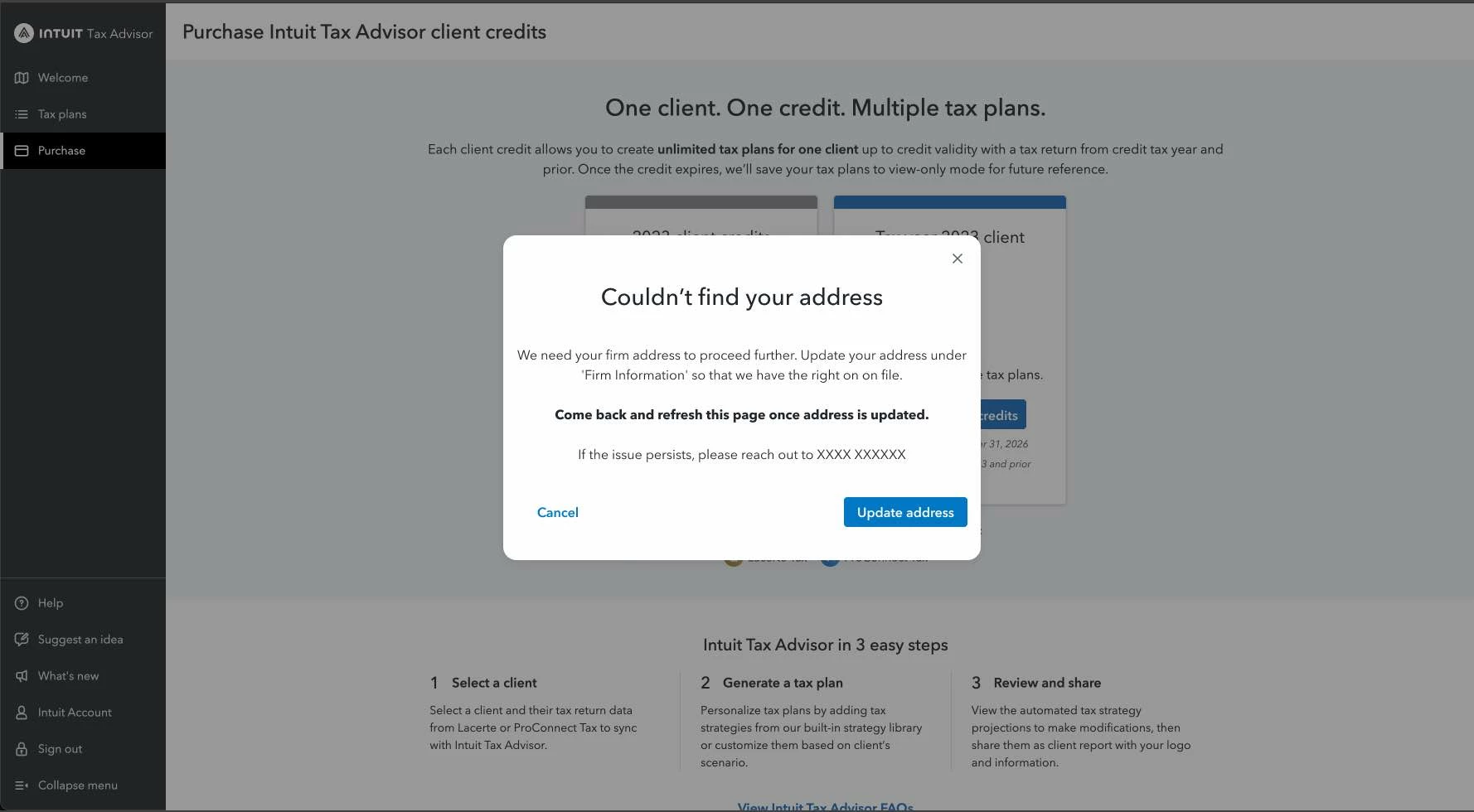
ITA Pop-up: Couldn't find your firm address
Did you recieve the pop-up "Couldn't find your firm address"? We need your firm's address to proceed further.
To continue with Tax Advisor, here’s how you update your address:
- When you select “Update Address”, you will be taken to ProConnect Tax in a separate tab.
- Update your address under “Firm Information” and save the address.
- Browse to Intuit Tax Advisor, close the pop-up. The page will automatically refresh - and you can continue to payment